> For the complete documentation index, see [llms.txt](https://docs.dietrichs.com/llms.txt). Markdown versions of documentation pages are available by appending `.md` to page URLs; this page is available as [Markdown](https://docs.dietrichs.com/tutorials/tutorials-en/learning-the-basics/exploration-journey/material-database/tutorial-4-migrating-objects-from-your-old-database.md).
# Tutorial 4: Migrating Objects from your Old Database
To ensure a smooth transition, users may occasionally need to migrate their settings from an old database to a new system. This process involves transferring configuration data to maintain system consistency and user preferences across different environments. Proper migration aids in minimizing system downtime and preserves the integrity of user settings.
#### Prerequisites
1. Install the new version of Dietrich's in a separate folder.
#### Instructions
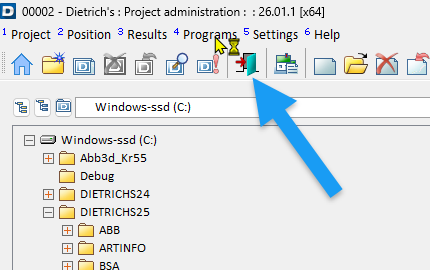
1. Open Project Administration in the new version
1. Select 4-Programs>>1-Project Data
2. In Project Data Program
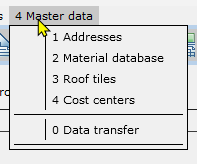
1. Select 4-Master Data >> 0-Data Transfer
3. In the Data Transfer Window
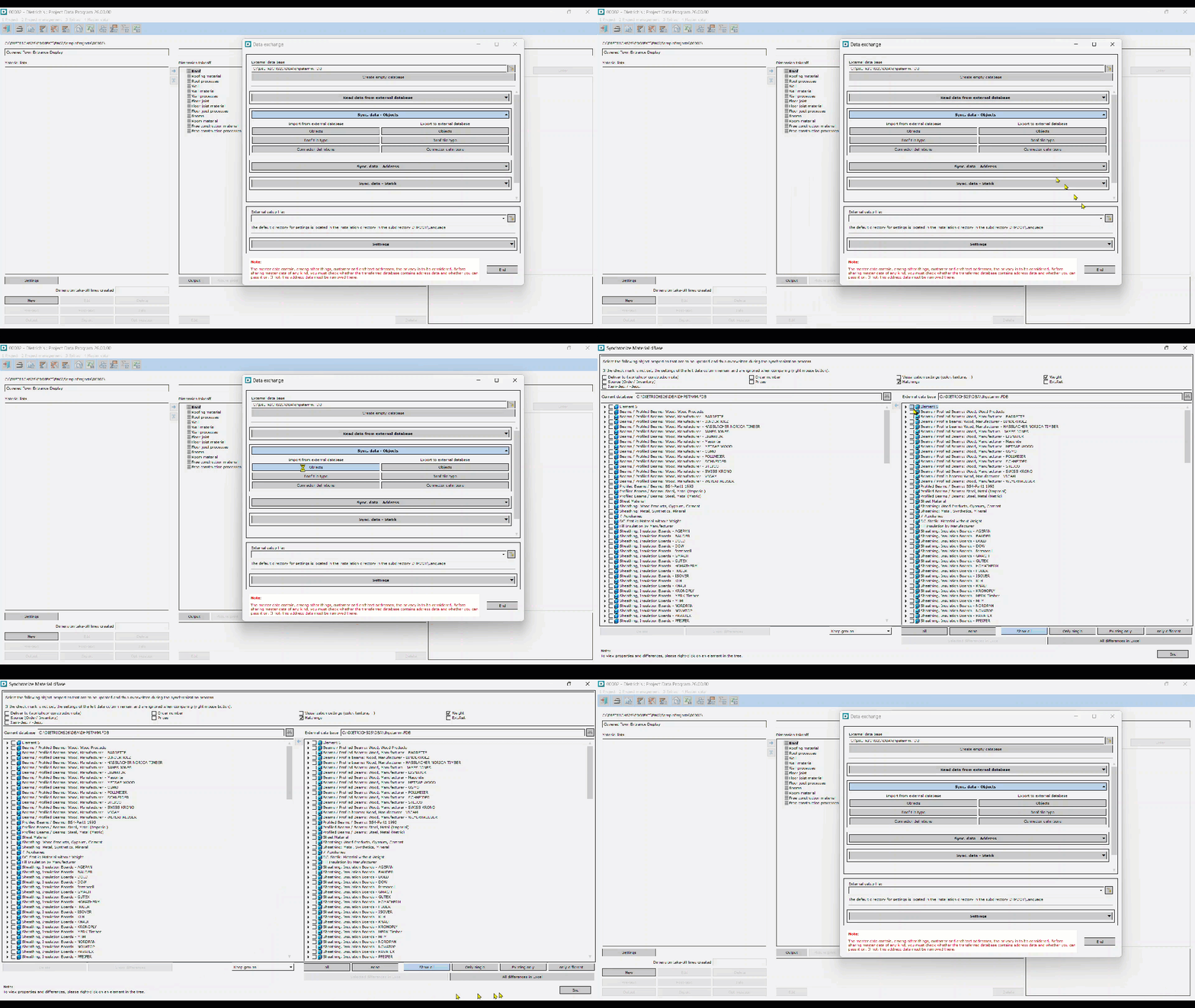
1. Navigate to your old dhpstamm.FDB file
2. Click on "Objects" under "Import from external database"
3. Follow the video below:
4. Contact if this doesn't work.