> For the complete documentation index, see [llms.txt](https://docs.dietrichs.com/llms.txt). Markdown versions of documentation pages are available by appending `.md` to page URLs; this page is available as [Markdown](https://docs.dietrichs.com/dietrichs-intelligent-documentation/docs-pol/projekt-3d-cad_cam/konstruktionsprogramm_projekt-3d-cad_cam/schnittstellen_interfejsy-import-eksport/modele-sketchup-w-przegladarce.md).
# Modele SketchUp w przeglądarce
Przeglądanie lub edycja plików w formacie SKP nie musi wiązać się z instalacją programu SketchUp. Wraz z końcem 2017 roku producent tego narzędzia dał swoim użytkownikom nowe rozwiązanie.
### **SketchUp Free**
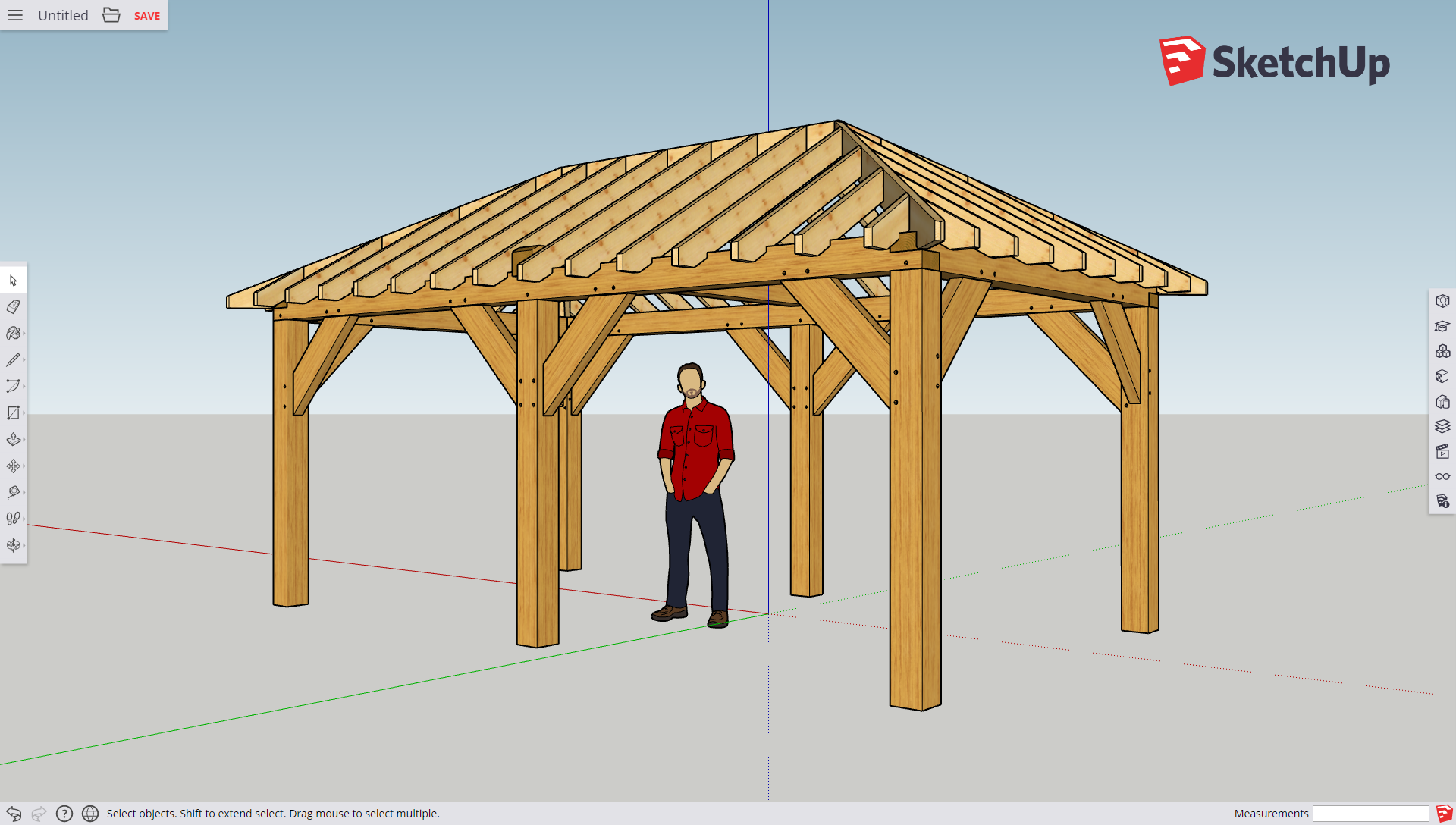
To dobrze znane środowisko 3D dostępne w technologii przeglądarki internetowej. Nie wymaga instalacji ani dodatkowych wtyczek. Narzędzia CAD 3D są dostępne od ręki pod adresem:
[**https://www.sketchup.com/products/sketchup-free**](https://app.sketchup.com/app?hl=en)
### **Dostępne funkcje**
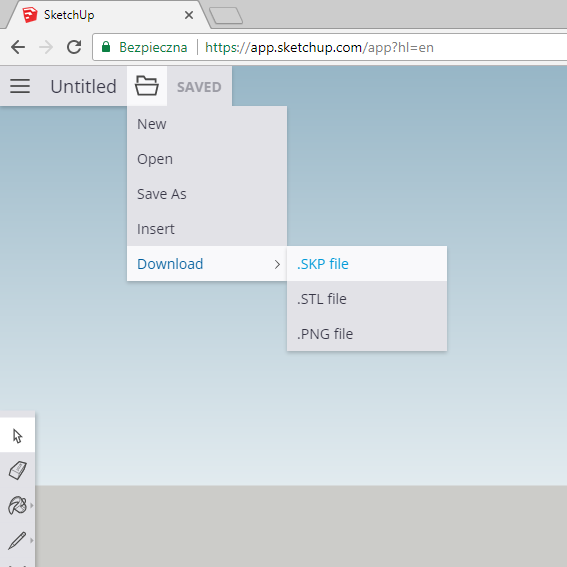
Dla użytkowników niezarejestrowanych dostępna jest możliwość pracy w środowisku (rysowania/edycji modelu). Zapis prac możliwy jest jedynie poprzez eksport do pliku SKP/STL/PNG na dysku twardym lokalnego komputera.
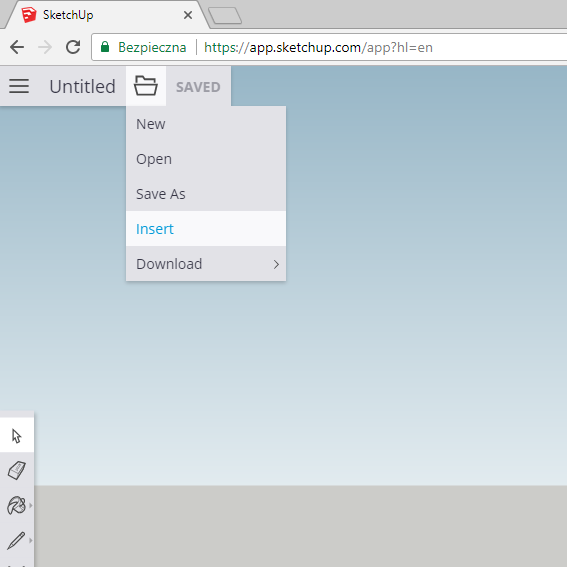
Możliwa jest również operacja odwrotna - umieszczenie takiego pliku z lokalnego dysku komputera w przeglądarce.
Po dokonaniu rejestracji mamy możliwość skorzystania z wielu dodatkowych udogodnień.
{% hint style="danger" %}
**UWAGA**
W celu [eksportu modeli ze środowiska Dietrich’s do formatu SKP](https://docs.dietrichs.com/dietrichs-intelligent-documentation/docs-pol/projekt-3d-cad_cam/konstruktionsprogramm_projekt-3d-cad_cam/schnittstellen_interfejsy-import-eksport/eksport-modelu-dietrichs-do-srodowiska-sketchup) potrzebna jest w dalszym ciągu zainstalowana wersja SketchUp Make lub Pro (z opłaconą licencją)
{% endhint %}